Many IT projects do not meet their original deadlines and budgets. Some lose their scale, while others just don't make it to the finish line. This happens for various reasons, from organizational failures to technical difficulties. As practice shows, teams often face cost overruns, revised goals, and failures if the processes are poorly structured from the very beginning.
But what if there is a way to turn product and project management into a manageable process? Flexible project management systems structure tasks, synchronize the team, show employee workload, and automate routine.
The main reasons are vague requirements, weak involvement of stakeholders, constant expansion of the scope of work, lack of resources and ineffective risk management. The numbers show a direct link: the worse the requirements are collected and the weaker the risk management, the higher the chance that the project will not achieve its goals.
When tasks are not distributed, deadlines slip away, and communication is conducted in messengers and mail, the team loses synchronicity. Everyone works "in their own flow," but there is not enough overall rhythm. This results in duplication of efforts, missed tasks, and results that do not meet expectations. All this is compounded by remote work, limited access to technology, and an increase in the total complexity of projects — such factors easily add 20-30% to deadlines and budgets.
A project management app is a way to reduce risks. Successful teams are able to work according to a single system of tasks and make decisions based on up-to-date data. And this is impossible without a convenient and flexible tool that brings people, processes, and goals together in one environment.
When the project is small, it seems like you can do without Excel, chat, and a verbal agreement. But once the team grows to 3-5 people, and the tasks go beyond a couple of weeks, confusion begins (who is responsible for what, where is the information, which task is in what status, when is the deadline).
Platforms such as Trello and Asana appeared in response to the request of the teams — to see the whole picture, not to lose what is important, to distribute responsibility and control deadlines. Applications for tasks and tracking their completion simplify the launch of a project, but most of them do not take into account the specifics of work within companies. For example, in addition to tasks, it is also important to manage employees — their roles, vacation pay, and engagement.
Our rapidly growing LighTech team needed order. We had an increasing volume of projects and new employees, so it was necessary to find an understandable and flexible system that would help:
structure work processes;
track tasks and their completion;
keep track of working hours;
manage command loading;
adapt newbies;
maintain a uniform rhythm in remote conditions.
There were no ready—made solutions that would really adapt to us: foreign products left the market, Russian ones were either overloaded or could not meet the requirements for UX and flexibility. That's how the idea of our own product was born.
Such applications can be compared to a work platform where project management, HR processes, analytics, workflow and team communications are combined. Let's take an example of our product.
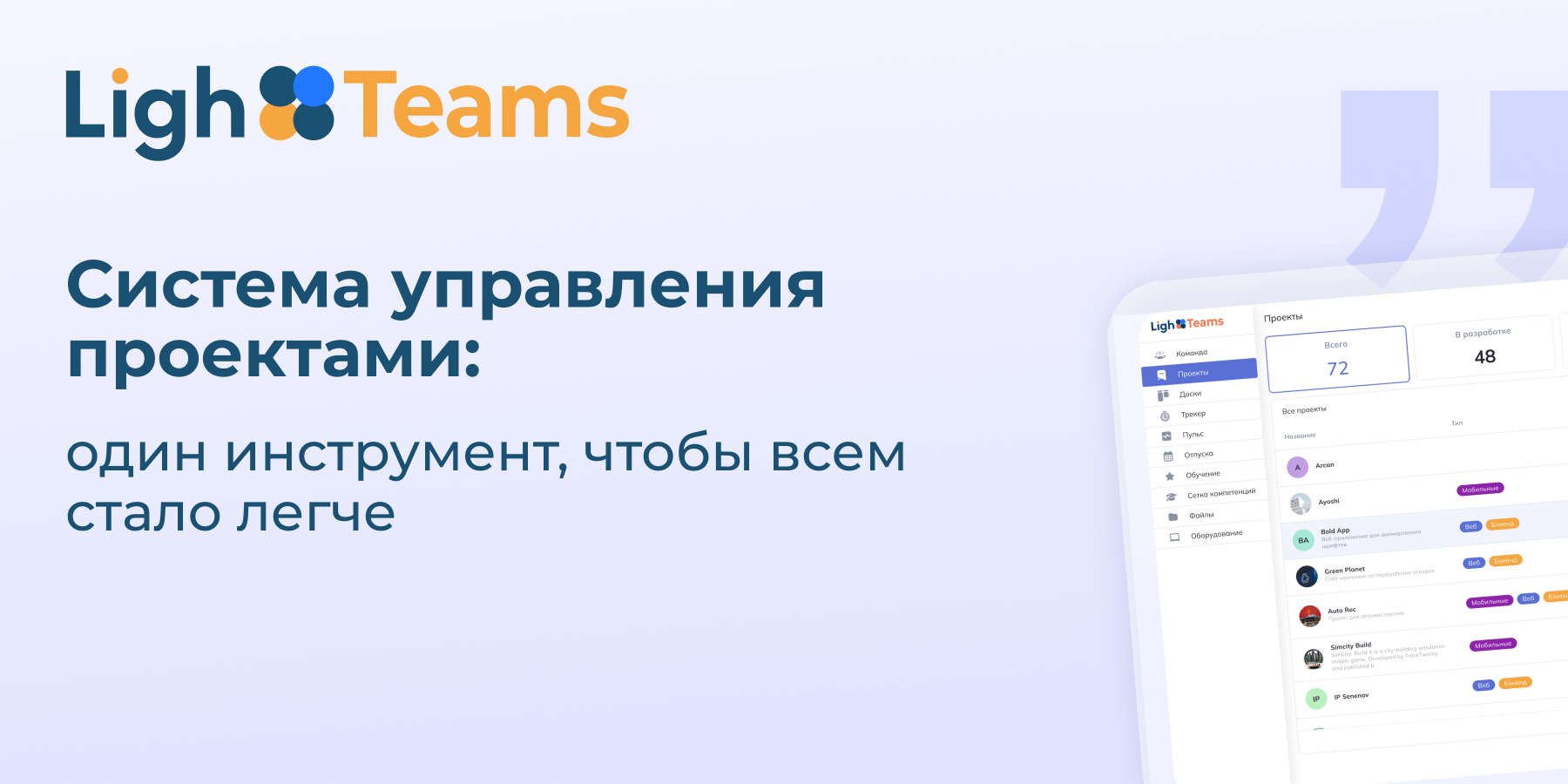
LighTeams is an ecosystem for team management, business process automation, and HR in a single digital space. It's more than just a task tracker — it's a teamwork app where everything is built around goals, processes, and people.
Today LighTeams unites:
flexible project management: classical and flexible methodologies (Kanban, Scrum, Waterfall), team-driven process configuration, automation of repetitive actions;
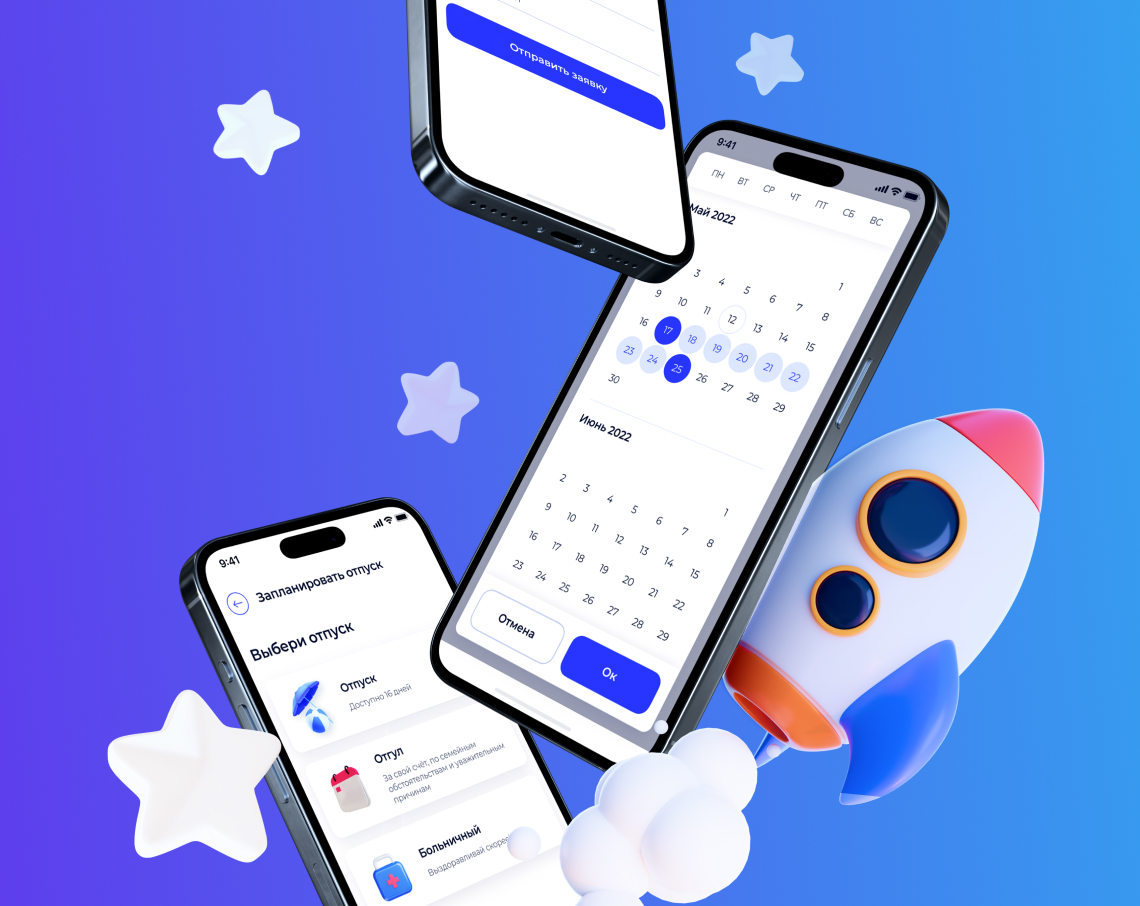
HR tools: vacation monitoring, onboarding automation, engagement metrics tracking;
centralized communication and document management without messengers and lost emails;
Load and efficiency analytics: visual reports on tasks, teams, people, and deadlines.
LighTeams helps to create consistency — between people, their roles and tasks. This is something that even the most experienced teams often lack, especially when everything happens in different chats, tables, and files.
We focused on finding a way to make workflows sustainable, transparent, and manageable, because, as the statistics above state, every second IT project fails due to poor synchronization and poor planning.
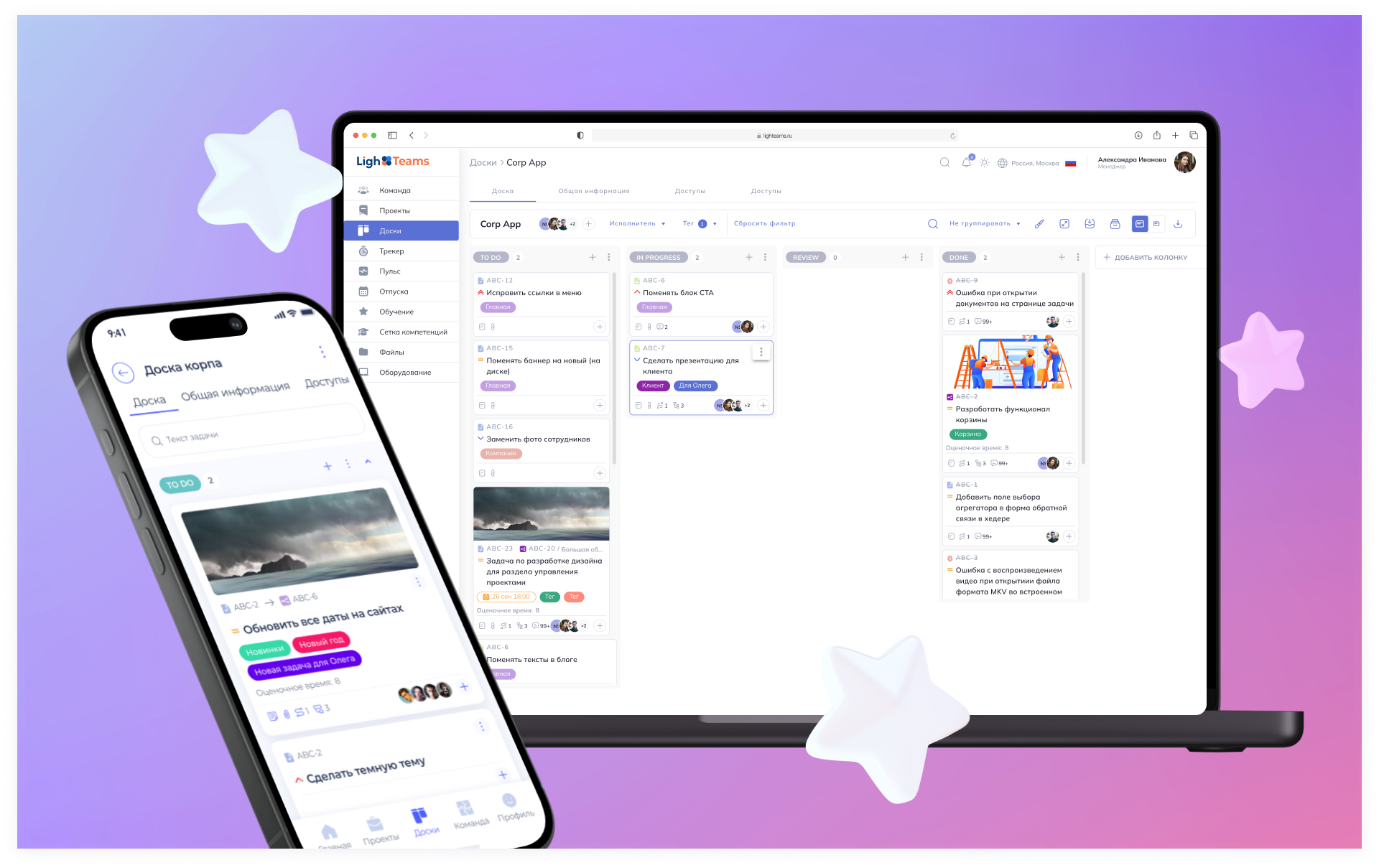
An effective tool for teamwork should be more than a simple application with a list of tasks with deadlines. For example, work on the LighTeams platform is built around project boards. Tasks are collected in a single space, which means that everyone can appoint a responsible person, set deadlines, set priorities, add checklists and attachments. The manager sees the big picture, the employees see only what belongs to their area of responsibility.
The interface plays an important role. For a team to start working quickly, it must be intuitive, even for those who are new to project management systems. A free tariff is available in LighTeams. This is an opportunity to "test" the product, get acquainted with the interface and start automating processes, even for a small team or startup.
As you grow, you can move on to more advanced features: connect analytics, automation of recurring tasks, time tracking, centralized file storage and decision history.
When you manage not just one task, but an entire team and multiple processes, it's already difficult to do without such a project management system. Choosing a platform for teamwork is, in fact, an investment in employee sustainability and efficiency.
Most popular task tracking applications do not take into account the processes within teams: employee roles, levels of responsibility, workload, and engagement.
Such platforms are structured: tasks are divided into stages, deadlines are set, and responsible people are appointed. The processes become transparent, and the manager sees the bottlenecks in advance. This reduces risks and allows you to flexibly manage the project triangle — deadlines, resources, and results.