
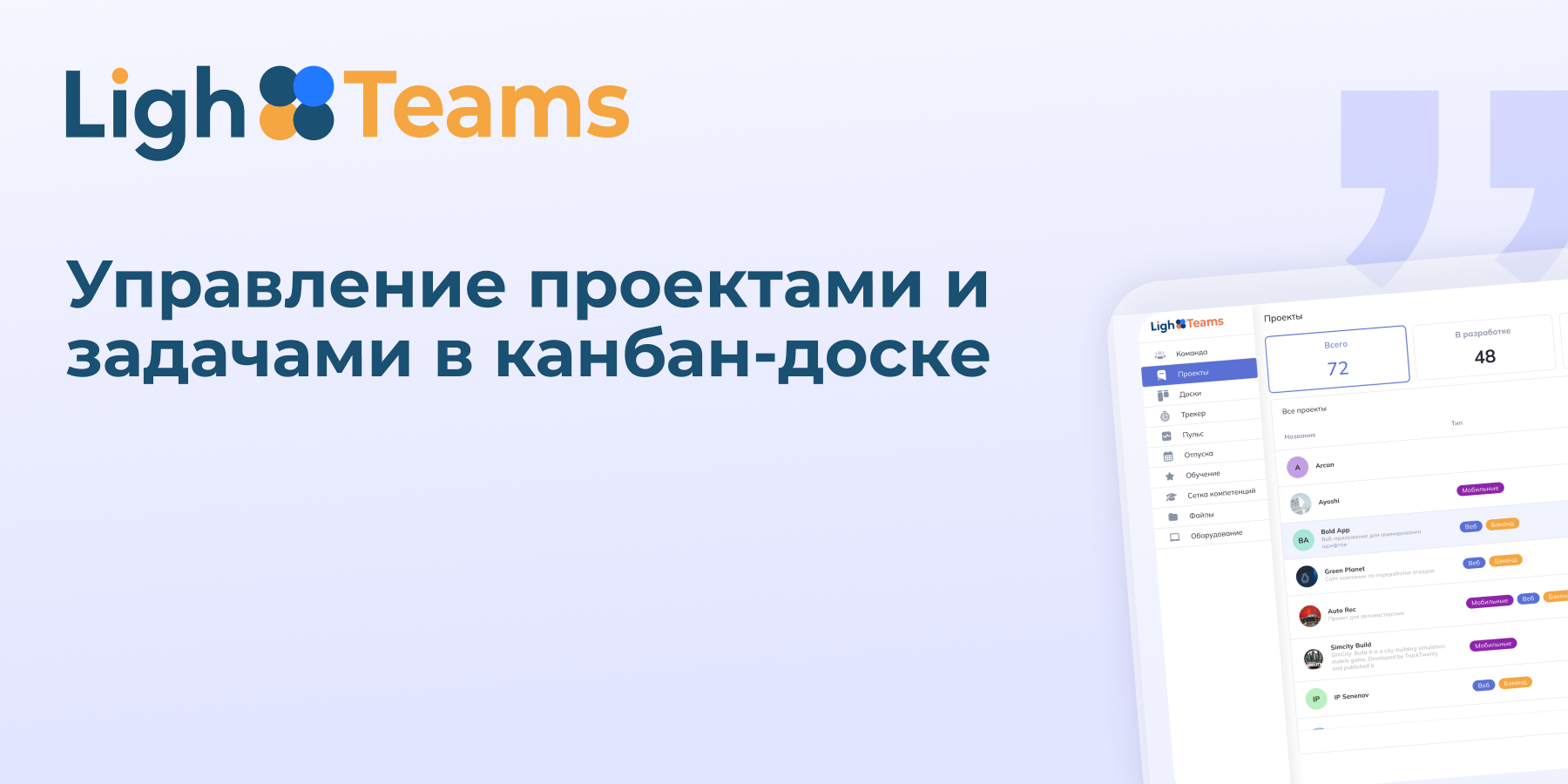
Many people mistakenly believe that the main purpose of a kanban board for a supervisor is simply to see the status of each task and the workload of employees. In fact, the value of the tool is much broader. The Kanban method helps to visualize the entire workflow and notice the bottlenecks that slow down the team.
Here we will tell you what a kanban board is for in project management and how it helps teams see the work process, control tasks and speed up project execution.
A Kanban board is a workflow visualization tool. The word kanban is translated from Japanese as "tablet" or "card". This is the essence of the method: tasks are recorded on cards and moved along the columns of the board depending on the stage of completion.
The Kanban method originated in Japan almost 70 years ago at the Toyota factory. With his help, the workers monitored the production of parts. Later, kanban was adapted for project and task management and became part of Agile methodologies.
This is how the kanban board is designed.:
The columns represent the stages of work: "To work", "In progress", "Done". They can be customized for a specific process.
Task cards with descriptions, deadlines, and those responsible.
WIP limits (Work in Progress) — limit the number of tasks in the work so that the team is not overloaded.
The board can be physical (for example, a marker board or a cork board) or digital — in project management services, such as LighTeams.
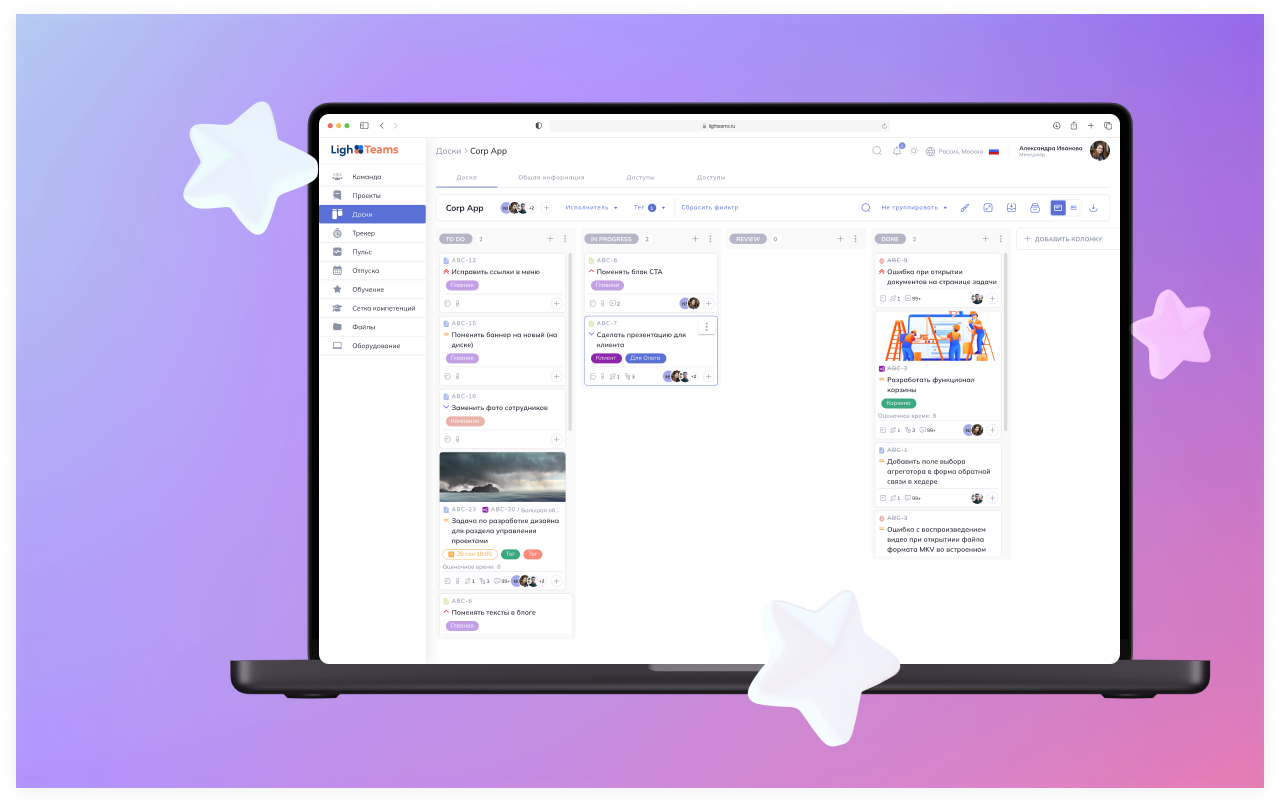
The main element of the Kanban method is the commitment point. Everything on the left does not require investments and final decisions yet, while everything on the right has already been put to work and consumes resources. From this point on, it makes sense to measure metrics, calculate lead time, and analyze where the process can be accelerated.
The Kanban task management board helps you visually see the process, control the team's workload, and quickly change priorities.
|
Application |
How the kanban board helps in your work |
|
Launching a marketing campaign |
All tasks, such as writing content or launching a target, are divided into stages. You can see where the process is slowing down. |
|
IT product development |
Each feature goes from task definition to release. The team responds quickly to bugs and tests, without losing focus on priority tasks. |
|
Sales Management |
Transactions move through the columns: lead, negotiation, contract, payment. This way you can predict revenue and control the sales funnel. |
|
Organization of events |
The preparation of a conference or webinar is divided into steps: platform, speakers, marketing, registration. It is convenient to see what has been completed and what needs urgent attention. |
|
Personal task management |
Help with the distribution of daily tasks: work, study, hobbies. There is a feeling of control over time. |
|
Production processes |
Tracking the stages of assembly, quality control, and shipment in factories and workshops. Coordination between workshops is improving. |
|
Customer service and support |
Tasks for tickets or customer requests move along the columns: "Accepted", "In progress", "Awaiting response", "Closed". The reaction speed increases and the probability of missed requests decreases. |
|
Education and training projects |
Assistance to study groups in project planning, preparation of presentations and laboratory work. You can see who is responsible for what, and what stages have already been completed. |
The Kanban board helps development teams plan and track tasks, and businesses manage projects and services. It is actively used in IT, marketing, sales, as well as in product teams and projects of any size and complexity.
Let's use the LighTeams system as an example of how a kanban board is integrated into the project management ecosystem.:
Tasks are displayed on the board and linked to other modules (projects, team, training, time tracker).
You can connect a time tracker to tasks and get analytics on employees and projects.
HR processes are automated: requests for leave or sick leave can be tracked through the platform.
A kanban board is a board with speakers and cards. The tasks are written on the cards. The cards move from left to right along the columns: first "Need to do", then "Do", and at the end "Done". It's so easy to see what's already been done, what's in the process, and what else needs to start.
Unlike the usual task list, the kanban board clearly shows how tasks move through the stages, where delays occur, helps to distribute work among people and quickly change priorities.
The WIP limit indicates how many tasks can be performed simultaneously. It helps not to overload the team, focus on important tasks and speeds up the entire work process.
The board makes the team's work transparent: you can see who is doing what, where delays occur, and what needs urgent attention. This makes it easier to coordinate and efficiently allocate resources.
100 тыс.+ пользователей и 3000 часов разработки — Flutter MVP за 3 месяца
Автодиагностика будущего — облачная платформа с ИИ и LPR
Умное видеонаблюдение — облачная масштабируемая платформа с мобильным доступом и ИИ-аналитикой для бизнеса и госструктур
