The market for project and task management tools has changed significantly in recent years. After foreign services like Jira and Asana became unavailable directly or required the use of a VPN, companies had to rethink their usual stack of tools.
As a result, local platforms that work stably in corporate networks, do not depend on workarounds, and take into account data storage requirements have come to the fore. In terms of functionality, such systems are already comparable to previously popular products, and in some cases offer more flexible customization for business processes.
We have collected the top Russian project and task management systems that are suitable for the daily work of businesses in 2025-2026: from small teams to large companies with distributed processes.
Project management is needed in order for the team to achieve results without failures. Project managers determine the goals and objectives of the product in advance, what resources will be needed, and build a clear action plan.
This makes it easier for the manager to coordinate the team, resolve disputes and keep the focus on a common goal, and for employees to understand their area of responsibility and priorities.
Project and task management applications become necessary when the number of parallel projects grows, the team works remotely or is distributed in different cities, and it becomes inconvenient to monitor deadlines, workload, and budget in tables.
The project management system looks like a single workspace where tasks, communications, and data are collected.
|
Opportunities |
For what |
Example |
|
The team is working faster |
Less time to search for information |
The designer immediately sees the relevant technical specifications and edits, rather than looking for them in correspondence. |
|
Less dependence on individual employees |
The project does not "hang" when changing people |
The manager has gone on vacation — the new member sees the entire task history. |
|
Analytics in project management |
Decisions are made based on facts. |
The manager sees that the stage is being disrupted and changes priorities. |
|
Timing and budget control |
Fewer delays and alterations |
Tasks with deadlines are highlighted, and the system reminds you of the risks. |
|
One place for all the work |
There are no disparate files and chats. |
Documents, comments, and tasks are stored in the project. |
|
Convenient planning |
It is clear what to do next |
Dependencies are visible: there is no design yet, development does not start |
|
Employee workload monitoring |
There are no overloads and downtime |
One specialist has 12 tasks, the other has 3, and the load is balanced. |
|
Project analytics |
Processes can be improved |
It can be seen that approvals slow down projects most often. |
|
Routine automation |
Less manual work |
After the stage is closed, new tasks are automatically created. |
|
The big picture for management |
No need to delve into the details |
The director looks at the dashboard with the statuses of all projects |

At first glance, the project management system may seem complicated, but in real work it is quite simple and intuitive.
Let's imagine a typical work project in a company. A separate project space is created in the system, where its structure is immediately visible: stages, tasks, deadlines and those responsible. The project is divided into logical stages, such as preparation, execution, and completion. Each stage is displayed as a separate block or column.
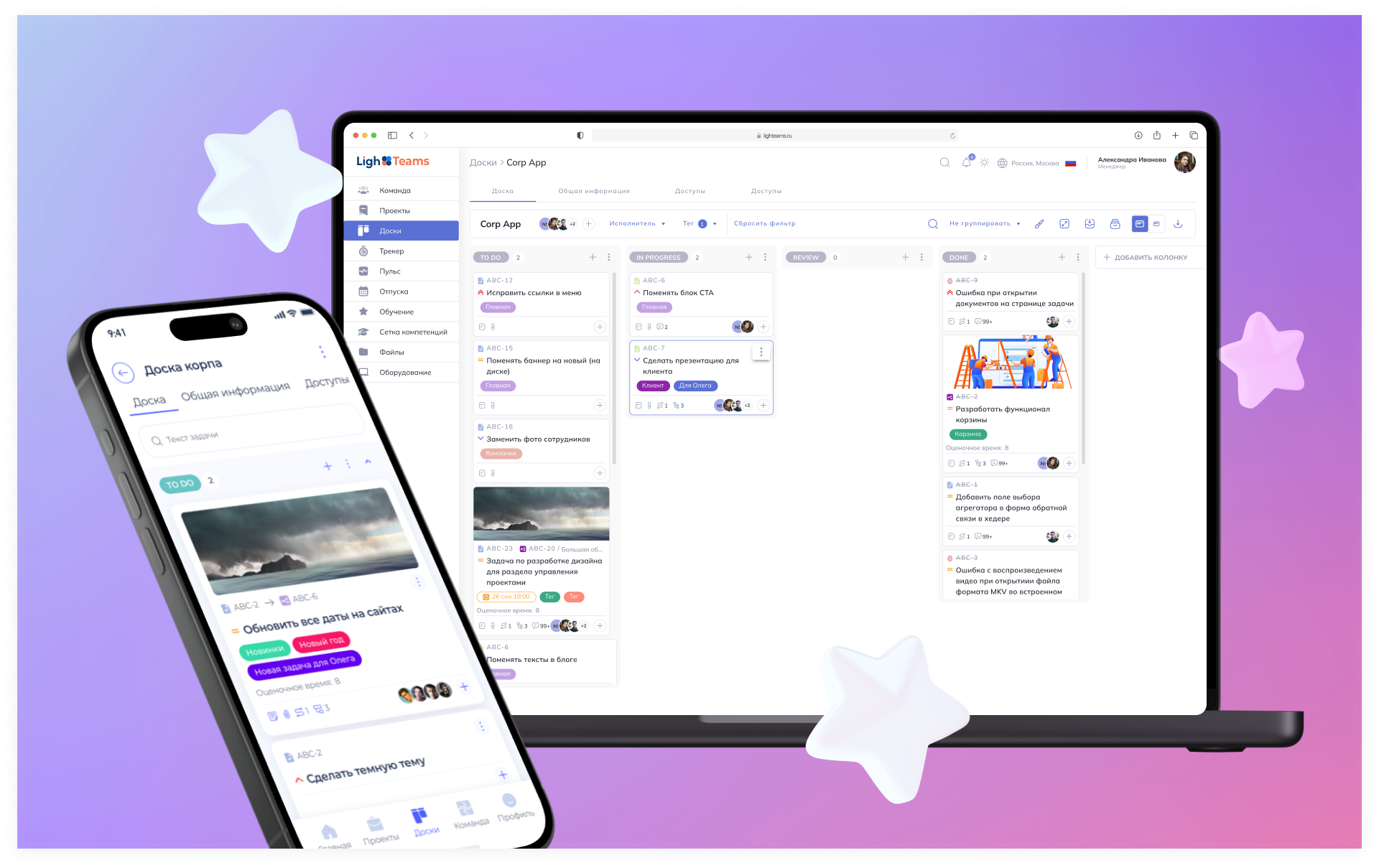
For a project management system to be truly useful, it must cover the key work tasks of the team and managers. Below are the basic functions of the modern platform.:
Working with documents. Storing files, versions, and comments in tasks.
Reports and analytics. Project statuses, deadlines, and team workload.
Interaction with contractors. Connecting external performers, restricting access only to the necessary projects and tasks.
Project and stage control. Setting up statuses, stages, and work scenarios for company processes.
Work with applications and requests. Accepting tasks from employees or clients, sorting them and turning them into projects or subtasks.
Detailed description of the tasks. Technical specifications, deadlines, responsible persons, attachments and comments.
Accounting for resources and costs. Understanding who spends how much time on tasks and how it affects the project budget.
Checklists and templates. The ability to create standard action lists for recurring tasks and processes.
Visual planning. Gantt charts, kanban boards, and employee workload reviews for visual control of deadlines and resources.
This set of functions forms the basis of any project management system. Some platforms offer advanced features.
Below is a selection of solutions that employees of product, project, and operations teams use to plan tasks, coordinate work, and control deadlines.
YouGile is a Russian project management system with an emphasis on visual task management and flexible process configuration. The platform is suitable for teams that need to adapt their workspace to their tasks and work logic, rather than using fixed scenarios.
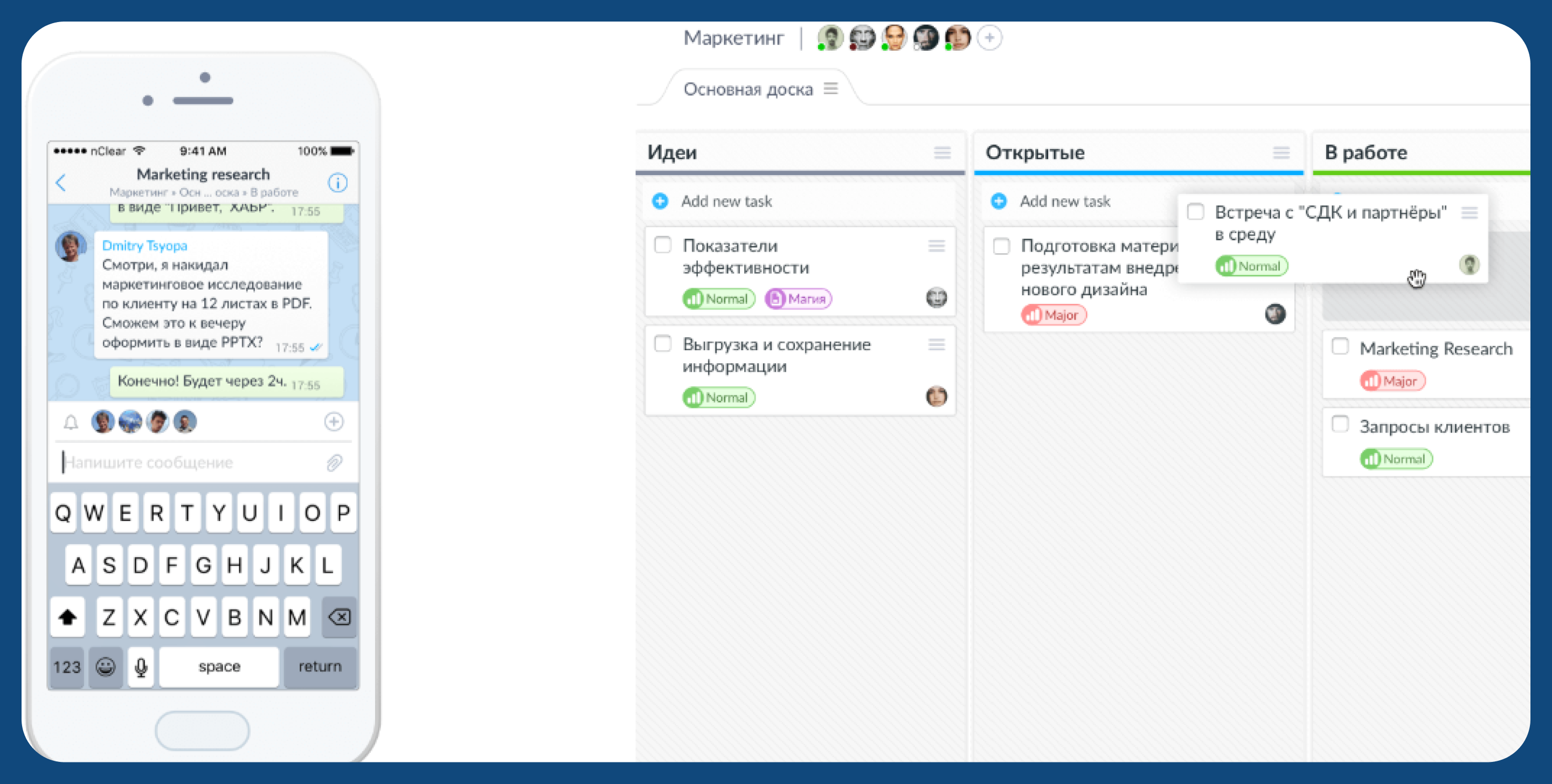
The system supports the expansion of functionality through user settings. If necessary, YouGile can be customized for specific team processes.
YouGile Features:
LighTeams combines project and task management with HR tools and analytics in one service. The platform controls projects, team work, and internal processes — daily tasks, time management, vacations, and employee training.
LighTeams is suitable for those who work with projects, people, and knowledge in one loop. The platform is used by product and project teams, companies with a distributed structure, as well as businesses where it is important to build clear processes of interaction between departments.
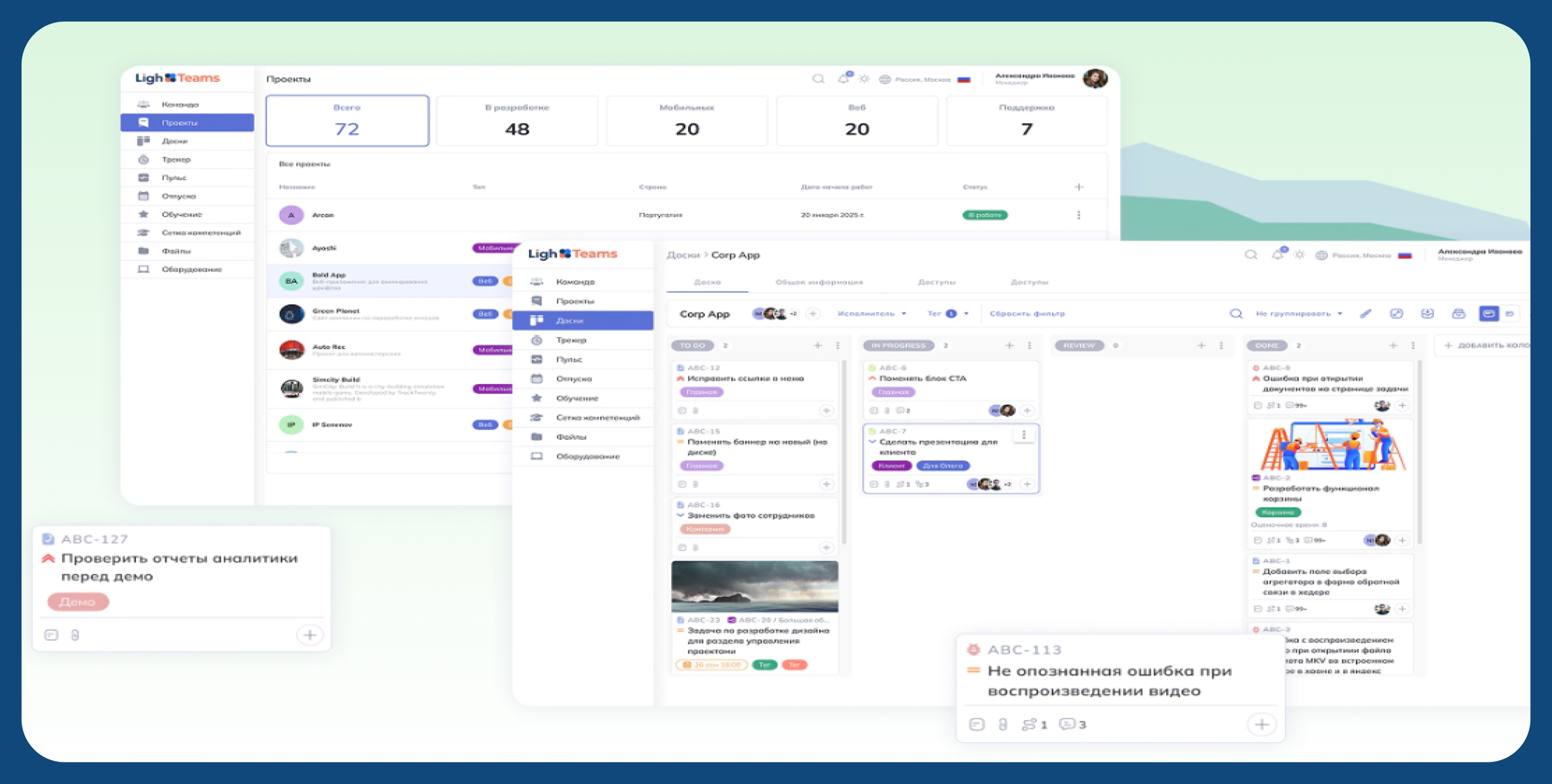
There are no restrictions on the number of participants in the application, and you can connect employees, partners, and external performers as the team grows.
LighTeams Features:
Directum Projects is a Russian platform for organizing and managing projects with different methodologies: classical, flexible or mixed. The system allows you to manage tasks, resources, and processes in a single environment, simplifying interaction between teams and departments.
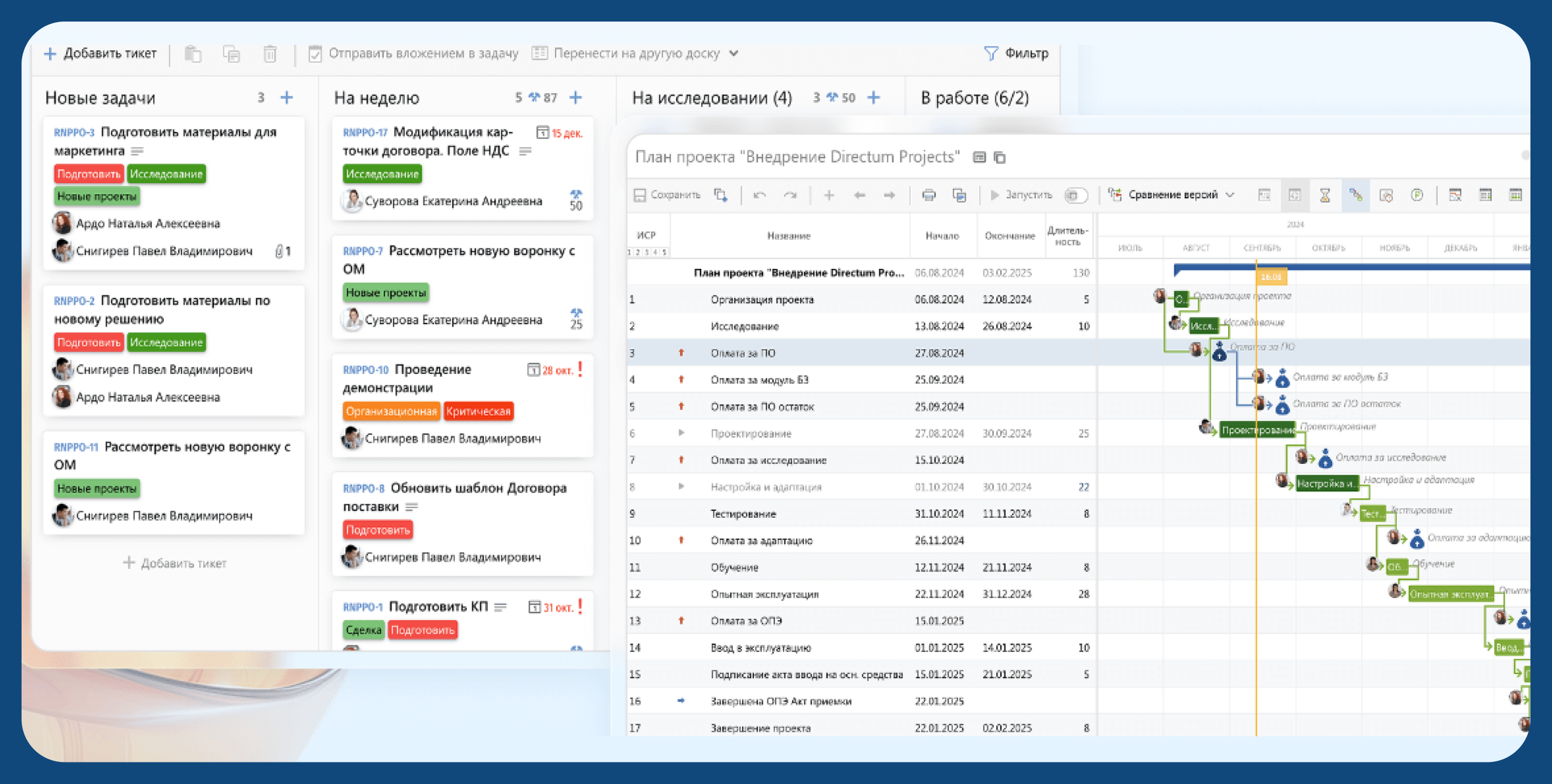
The solution integrates work with tasks, documents, and processes, supports the participation of all levels of the team, and scales to large projects and a large number of users.
Directum Projects Features:
Shtab is a Russian platform for coordinating teamwork and managing company goals. It helps to link business strategy with operational objectives, simplifying planning, execution control, and storage of corporate knowledge.
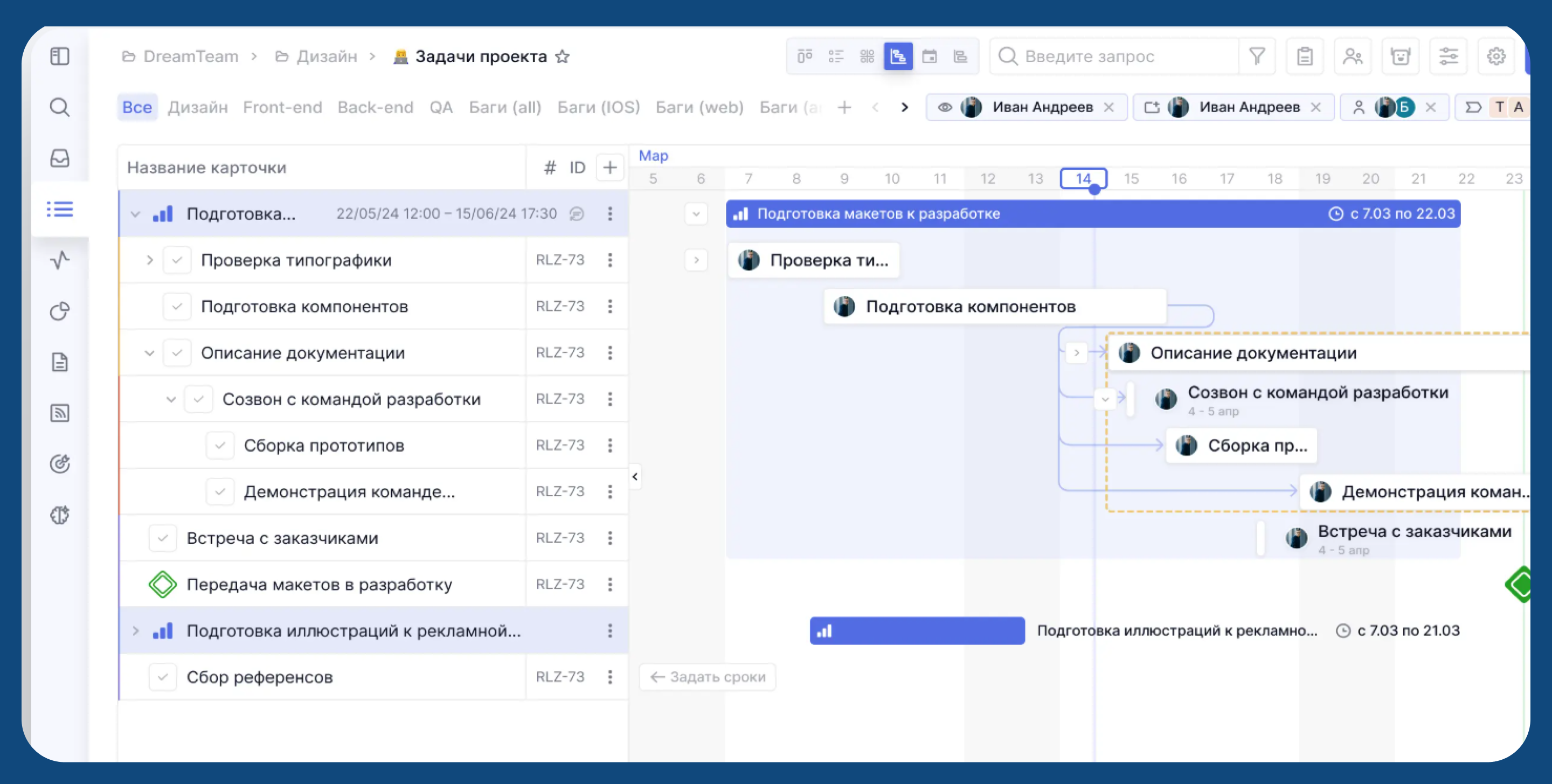
The platform works with OKR and MBO methodologies, linking the company's strategic goals with specific tasks and performance indicators.
Shtab Features:
WEEEK is a domestic project, task, and teamwork management platform in a single space. The system helps companies optimize processes and simplify communication between employees.
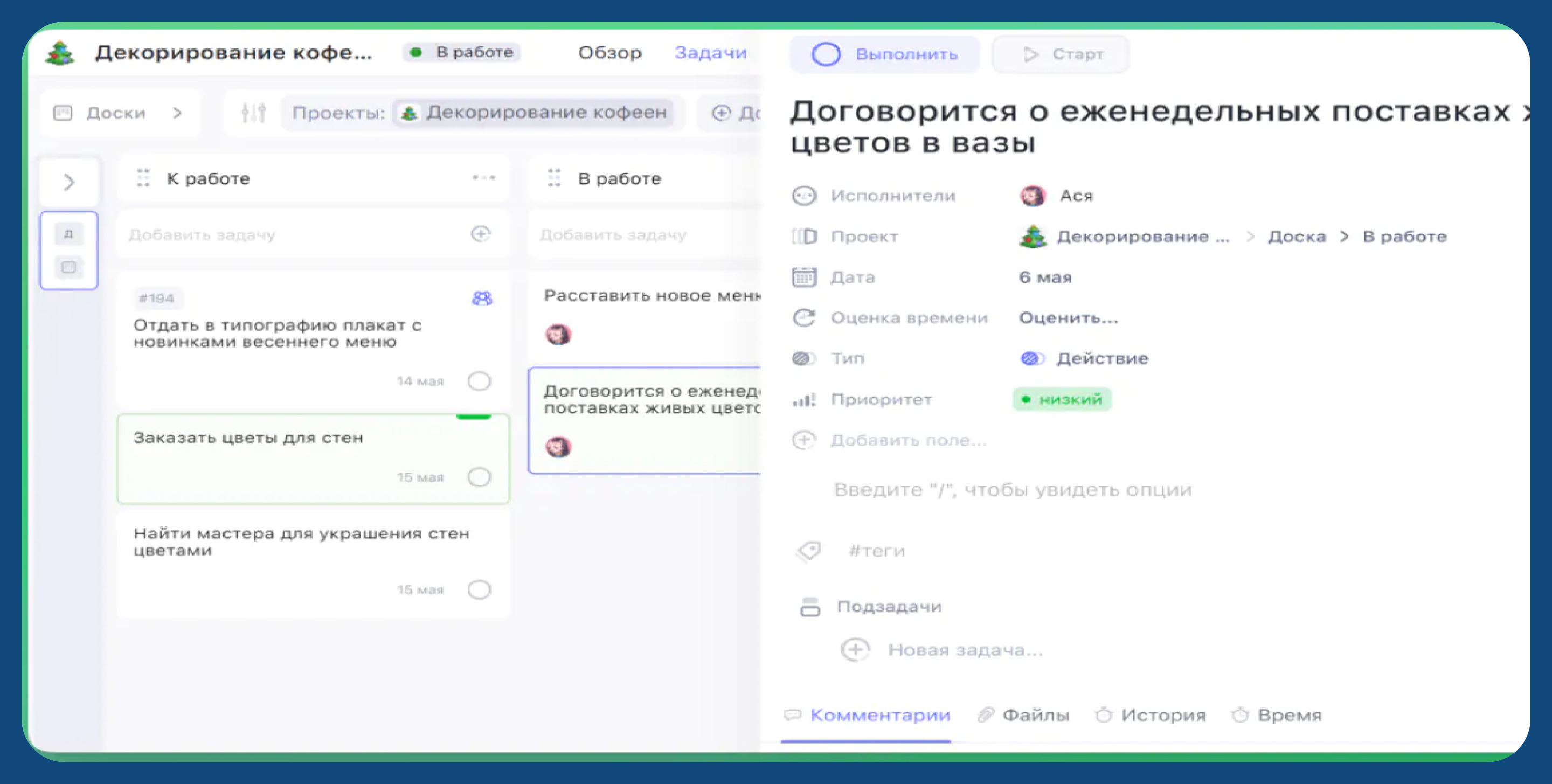
The system helps companies monitor the completion of tasks, see the progress of projects in real time, optimize processes and simplify communication between employees. The service adapts to different types of commands.
WEEEK Features:
To visually compare the approaches and functional accents of the platforms described above, a table with key characteristics of project management systems is provided.
|
System |
For which teams and tasks |
Management Focus |
Key differences |
|
YouGile |
Small and medium-sized teams, product and project work |
Process flexibility and visual task control |
It is suitable when processes change frequently; you can customize the logic of work for the team and refine the functionality. |
|
LighTeams |
Companies where projects are closely related to people and their development |
Project Management + HR contour |
In addition to the tasks, there is an HR module: accounting for vacations and workload, an employee database, a competence map and training; convenient for managing teams, not just projects |
|
Directum Projects |
Large companies and complex projects |
Control of deadlines, resources, and finances |
Our strengths are resource and process management, support for classical and hybrid methodologies, and flexible business process configuration. |
|
Shtab |
Managers and teams working on goals |
The relationship between strategy and operational work |
It focuses not on tasks, but on achieving goals: OKR and MBO, transparent progress from the company's goal to specific actions. |
|
WEEEK |
Universal teams: marketing, sales, IT, HR |
A single workspace |
Combines tasks, CRM, knowledge base and analytics; suitable for companies for which it is important to keep everything in one tool |
The choice of a project and task management system always depends on the maturity of the processes, the size of the team, and the goals of the company.
Before implementing a project management system, it is important to answer a few questions:
If flexibility and visual control of tasks are important to the team, solutions with customizable boards and simple input, such as YouGile or WEEEK, are suitable. For companies where project work is closely related to managing people, hiring and developing employees, LighTeams would be a logical choice.
Large organizations with complex processes, budgeting, and information security requirements should look towards Directum Projects. And if the key task is to link the company's strategy with the daily work of the teams and monitor the achievement of goals, the best option would be Shtab with OKR and MBO support.
Yes, most Russian platforms allow you to start with a single department or project. This reduces risks, helps the team adapt, and makes it possible to set up processes to scale across the entire company.
The complexity depends on the amount of data and the maturity of the processes. In most cases, it is possible to transfer tasks and structures, and employee training takes from a few days to a couple of weeks if configured correctly.
Yes. LighTeams can be considered as a Russian alternative to Jira for companies that need not only task management, but also teamwork. The platform combines project management, time tracking, analytics, and HR tools in one space, which is especially convenient for distributed and growing teams.
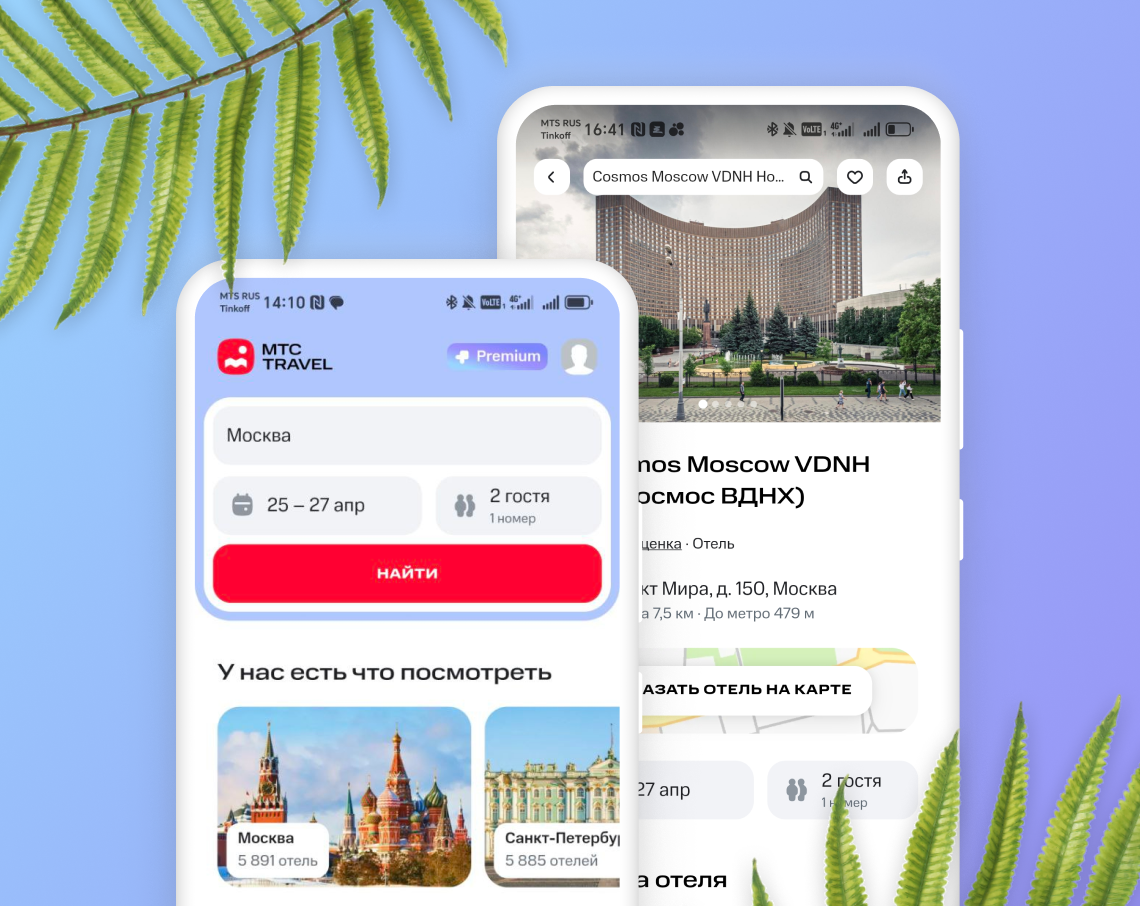
100 тыс.+ пользователей и 3000 часов разработки — Flutter MVP за 3 месяца
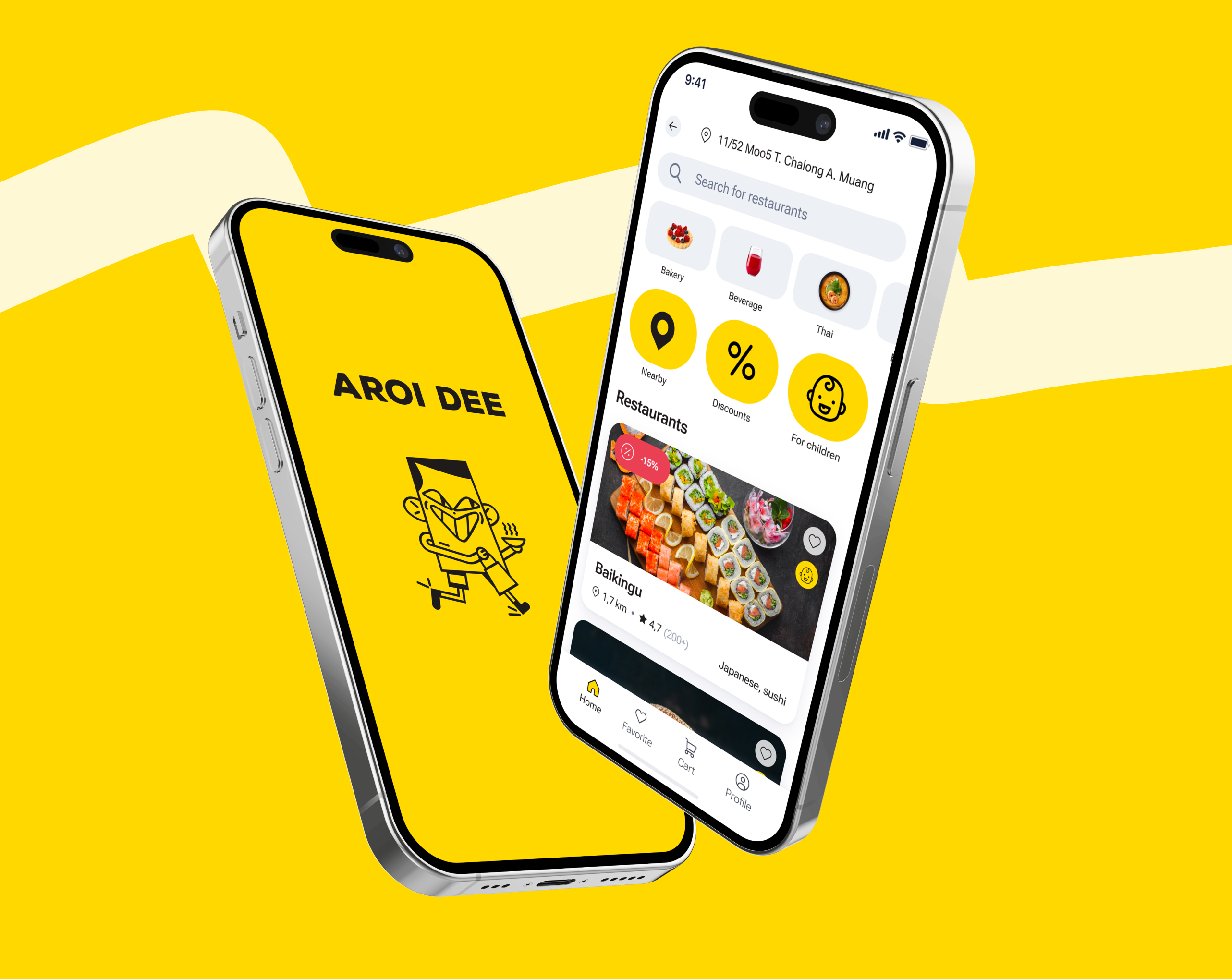
Тысячи скачиваний и шорт-лист Рейтинга Рунета — экосистема доставки еды на Flutter для Пхукета