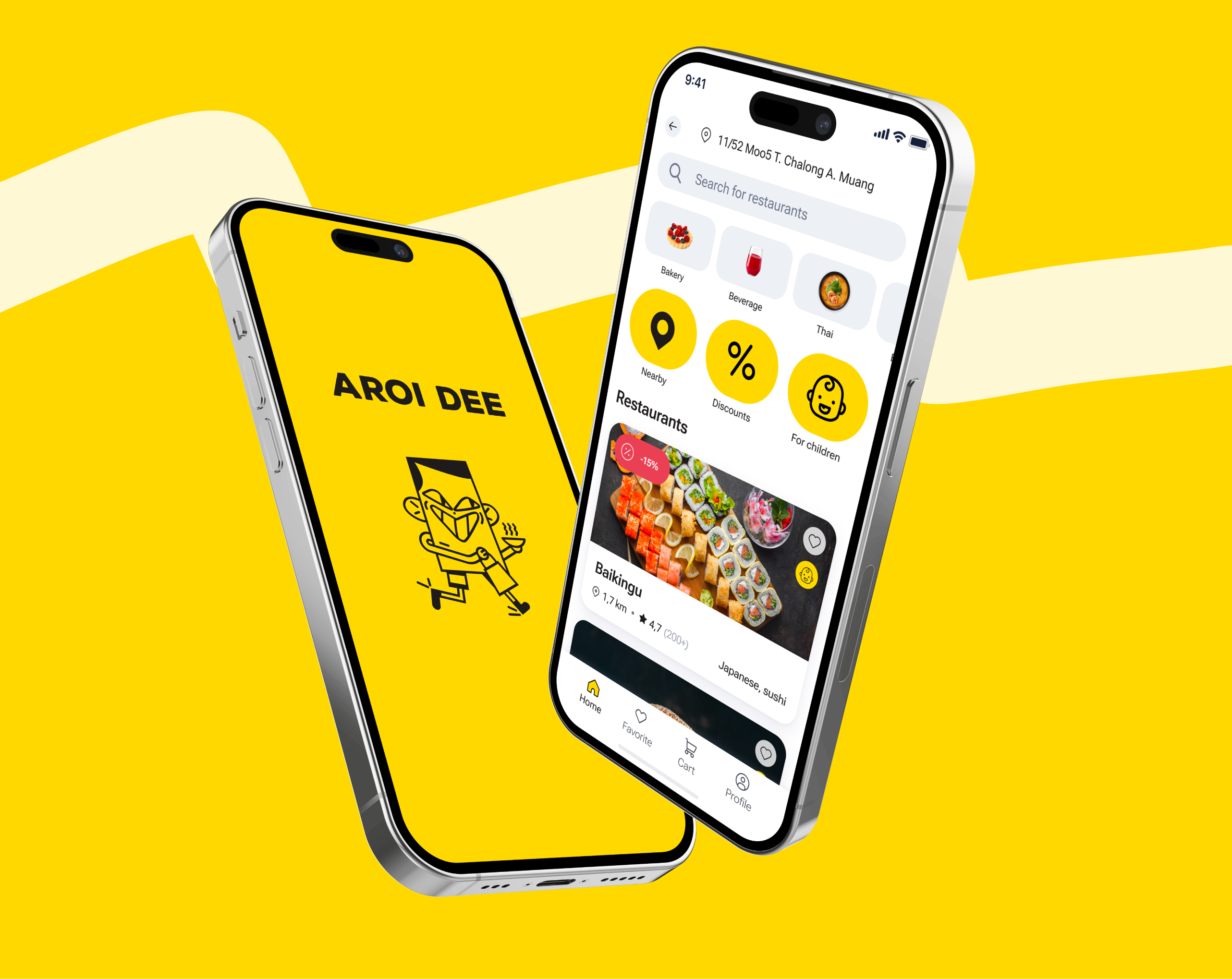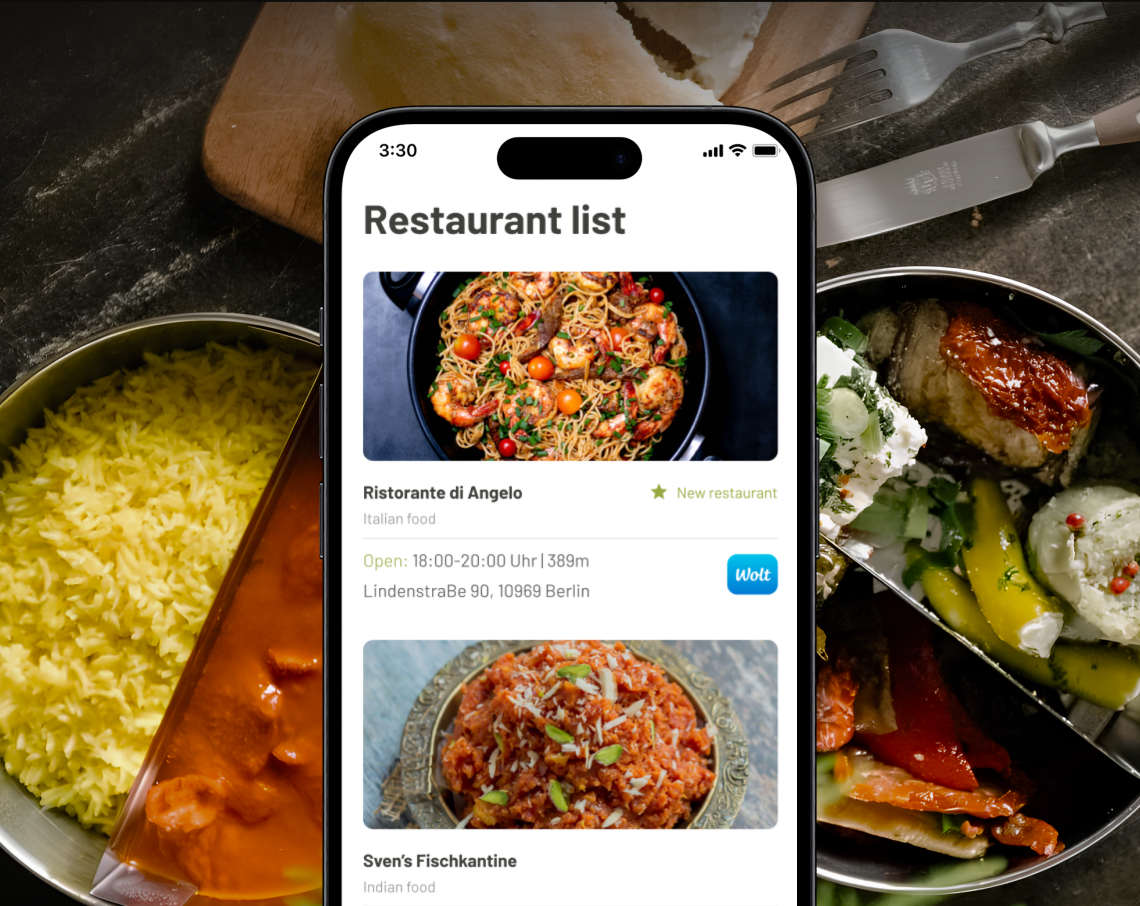

A few years ago, launching a mobile app meant months of development, the work of several specialists, and a high business entry barrier.
Against this backdrop, no-code and low-code platforms appeared to be a solution: fast, inexpensive, and «almost no code». FlutterFlow has become one of the most prominent examples of this trend, particularly among startups and non-technical teams.
In this article, we will take a closer look at one of the most popular tools of this type, FlutterFlow, and look at what tasks it simplifies and where difficulties may arise.
FlutterFlow entered the market in 2020, and active audience growth began in mid-2021. By 2025, the platform's audience has exceeded 2.8 million users, according to their official website.
The service is used for simple and medium-complex applications in a wide variety of categories: retail, health, logistics, consumption, and others. Such projects have a limited set of functions.
FlutterFlow is a low-code platform for visually developing mobile, web, and desktop applications with the Flutter framework. The platform generates Flutter code after the interface, navigation, and basic logic of the application are assembled from ready-made blocks and settings. In fact, it is a visual editor.
The platform offers a single space for working with the main parts of the application: interface design, navigation settings, database and API connectivity, business logic description through visual scenarios, as well as the publishing and versioning process.
Thus, it is possible to quickly assemble the first version of the application to test product hypotheses. However, the platform itself sets the main architectural solutions, which speeds up the start but may limit the project's development over time.
The FlutterFlow interface may look unusual due to the large number of elements, but this feeling quickly passes. All the key features are gathered in one workspace and logically distributed, so it is easy to understand the platform already at the first stages of work.
The core of the platform is a visual drag-and-drop constructor that works with Flutter widgets. These widgets are not native in the strict sense of the word, but visually and in performance they are as close as possible to native interfaces due to their own Flutter engine. In the constructor, you can not only assemble interfaces, but also customize them deeply enough:

Users can access a variety of standard widgets, including simple markup blocks, scrollable lists, and more complex tools such as PIN entry forms, rating systems, and digital signature fields.
In addition to standard buttons and cards, the system easily implements graphics and animations, such as Rive and Lottie. Along with many other features, this allows you to quickly assemble almost any popular application function without delving into technical details.
However, the layout code often turns into a «widget hell», as FlutterFlow wraps simple widgets in various containers to account for all the padding, alignment, shadows, and other parameters. With manual editing, it is quite difficult to navigate with such a degree of nesting.
Also, the set of preset parameters in the sidebar of the widget configuration may be limited, despite the possibility of more detailed configuration. If you need to change smaller details, you will either have to accept what is in the panel, or write your widget from scratch, which makes the visual designer meaningless.
FlutterFlow also provides for an adaptable interface, however, more complex layouts will require a build-up of conditions or duplication of elements, which can negatively affect performance and user experience.


FlutterFlow provides embedded and external solutions for working with data. The platform supports direct integration with Firebase Firestore and Supbase as a BaaS (Backend as a Service), a ready—made cloud backend that takes care of data storage, user authentication, database management, and server logic without having to write and maintain its own server.
Flexible work with any external REST API is also available through creating your own queries, implementing simple offline logic, and storing data locally on the user's device.
The ecosystem of the platform is expanding due to ready connections to popular external services. This includes integrations for payments and monetization (Stripe, RevenueCat, etc.), analytics services, as well as the ability to embed any third-party logic through writing your own actions on Dart.
FlutterFlow allows you to customize key application functionality without code. This includes designing navigation with routes, transitions, and deeplink schema processing, visually building business logic through a system of actions and flowcharts, and configuring push notifications through integration with Firebase Cloud Messaging.
The platform uses the capabilities of the Flutter framework, which is initially focused on cross-platform development and allows you to build applications for iOS, Android and Web from a single code project. FlutterFlow, in fact, does not violate this model, but only provides a visual interface for working with it.
Real-time testing is also available directly in the browser or on a connected mobile device. Support for desktop platforms (Windows, macOS, and Linux) is currently in the alpha stage and might be unstable.
For teamwork and quality control, FlutterFlow provides tools for collaborative development: a comment system, built-in version control, and the ability to view the revision history. A key feature is the ability to export the entire project to clean, readable code on Flutter (Dart), which paves the way for further manual development in any IDE.
The platform greatly simplifies the process of deploying and publishing an application. From the web interface, you can generate production builds for all platforms, automatically host the web version on Firebase Hosting, and prepare App Store and Google Play packages via built-in pipelines. For advanced scenarios, you can export the source code for integration into your own CI/CD processes and automate delivery via connection to GitHub.

Although FlutterFlow offers a simple and convenient way to build the UI and configure some application features, it prevents developers from designing a flexible and scalable framework that can grow with the product's complexity.
Creating an application using a low-code solution may be appropriate in the case of a POC (Proof Of Concept) or a simple MVP, but as soon as it comes to something bigger and more complex, the chance of running into problems and limitations is quite high.
It is worth noting that after moving beyond the framework of the platform, support can cause considerable difficulties, since the project itself is strongly tied to a low-code approach and it may be difficult for many developers to navigate and debug such code.
The FlutterFlow application component organization approach can be described as a component-based architecture with MVVM (Model-View-ViewModel) elements, however in a simplified form.
The Data, Domain, and Presentation/UI layers are not separated, and each widget is built as a two-class bundle: a model class (logic and local state) and a widget class (interface).
Here, the main unit is the visual component and its actions, rather than the feature or module. The logic of the widget is described using an Action Flow with an imperative approach, which creates a sequence of code blocks.

On the one hand, it's easy to build it, but debugging and extending or changing the logic can be difficult.:
There are two options for state management: local and global. The first option is limited by the scope of a particular component or screen. Global state management stores shared data that needs to be accessed from anywhere in the application and is used on top of the entire application.

This implementation has a number of disadvantages:
As already noted, there is no division of the project into layers, but two main parts can be distinguished in the structure: frontend and backend. The code has a strong attachment to services and a connection between widgets and the data layer:
Based on the information above, it is clear that the project structure violates the Single Responsibility Principle (SRP). There are no layers of abstraction, and the components are tightly coupled.
No-code and low-code solutions show good performance at the MVP stage, but when developing a product and moving to long-term operation, it is important to plan in advance not only the evolution of the architecture, but also the possible migration from the FlutterFlow platform itself to a more flexible and controlled stack. Without this, the limitations of the tool can become critical over time.
In the history of our company, an example of such a «mixed» project is the Spirit Up application, which was originally created using FlutterFlow, but later moved to the Dart development stage and worked directly with the codebase.
The first thing the developers faced was the difficulty of code readability and finding solutions that would minimally involve changing existing functionality.
Rewriting the structure of a large project that has already been built is a time-consuming, difficult, and expensive task that is clearly unnecessary in the context of an already published application. While this does not make development impossible, it turns it into a process of constantly overcoming obstacles.

FlutterFlow positions itself as a tool that allows you to quickly create applications and develop them as full-fledged products, but not without limitations and panaceas.
FlutterFlow offers a number of features that can be useful in the early stages of development and when working with simple scenarios.
|
Opportunity |
Description |
Integration examples / Features |
|
Ready-made integrations and templates |
The low-code approach and visual designer allow you to quickly build a basic version of the application. |
Firebase (Authentication, Firestore, Realtime Database), Supabase, Stripe (payments), Algolia (search), Google Maps, Twilio (SMS, push notifications), REST and GraphQL API. Everything is connected via a visual interface. |
|
Exporting the code to Dart |
The opportunity to receive the Flutter code of the project for further manual revision. |
Exported code often requires adaptation to the selected architecture. |
|
Centralized configuration |
Platform settings, permissions, environment variables, and dependencies are gathered in one interface. |
Simplifies project management and control over settings. |
|
Extensions via custom code |
Developers can create their own Custom Actions, widgets, and even entire files on pure Dart directly in the browser. |
Allows you to go beyond the standard low-code functionality. |
|
Integrated data management (CMS and API manager) |
Visual tools for working with databases and third-party services. |
Firebase, Supabase, configuring the data structure, testing API requests, linking to the UI without manual code. |
As the project grows, the initial excitement of speed may turn to disappointment due to the architectural and technical limitations of the platform. FlutterFlow inevitably imposes a number of architectural and technical compromises on the project, which become especially noticeable as its complexity increases.
|
Limitation |
Description |
Implications for the project |
|
Limited flexibility for complex projects |
The visual designer loses its advantages when implementing non-standard UI elements, complex business logic, or unusual data flows. |
Many functions require manual implementation, which reduces the speed of development and the convenience of low-code. |
|
Imperfect generated code |
The exported code is less clean and modular, and the FlutterFlow application architecture has its own assumptions and limitations. |
Long-term project support, testing, and refactoring are becoming more complicated. |
|
Performance Limitations |
Some solutions are generated without optimization for complex components and logic. |
Unnecessary redrawing, micro-friezes of the interface, deterioration of the UX and overall performance. |
|
Platform dependency and update risks |
The platform uses its own abstractions, and FlutterFlow or Flutter updates can break functionality. |
Bugs, regressions, lack of support for necessary functions, and difficulties with updates are possible. |
|
The need for custom code for complex integrations |
Non-standard business logic or deep integrations often require manual code. |
The advantages of low-code are offset, and the complexity of the project increases. |
|
Restrictions on external pub.dev packages |
The platform supports a limited list of packages and fixed versions, with direct access to pubspec.there is no yaml. |
The developer cannot quickly update the package with critical bugfixes, you need to wait for updates from FlutterFlow, which can take months. |
FlutterFlow gives a great boost at the MVP stage, allowing you to quickly assemble a working interface, but when moving to the active production stage, various restrictions create a number of obstacles.
The generated code often requires manual modification. Updates can behave unpredictably and break the project without changes on the part of the team, which increases the burden on QA.
Plus, it has limited functionality compared to pure Flutter and the lack of native support for multiple environments (production/ staging), which complicates work with Firebase and the infrastructure as a whole.
A separate problem is the manageability of development. Due to bugs, limitations of the visual editor, and the need to regularly write custom code, it is more difficult to accurately estimate the time and scope of work.
FlutterFlow perfectly accelerates the development of MVPs and prototypes, but for large projects with high workload and complex custom logic, the platform may impose limitations. In such cases, it is possible to combine a low-code approach with manual modification of the Flutter code to maintain architectural flexibility and performance.