Home
/
Blog
/
Automation
/
System integration in IT

Integration of IT systems for business: combining platforms into a single ecosystem

System integration in IT

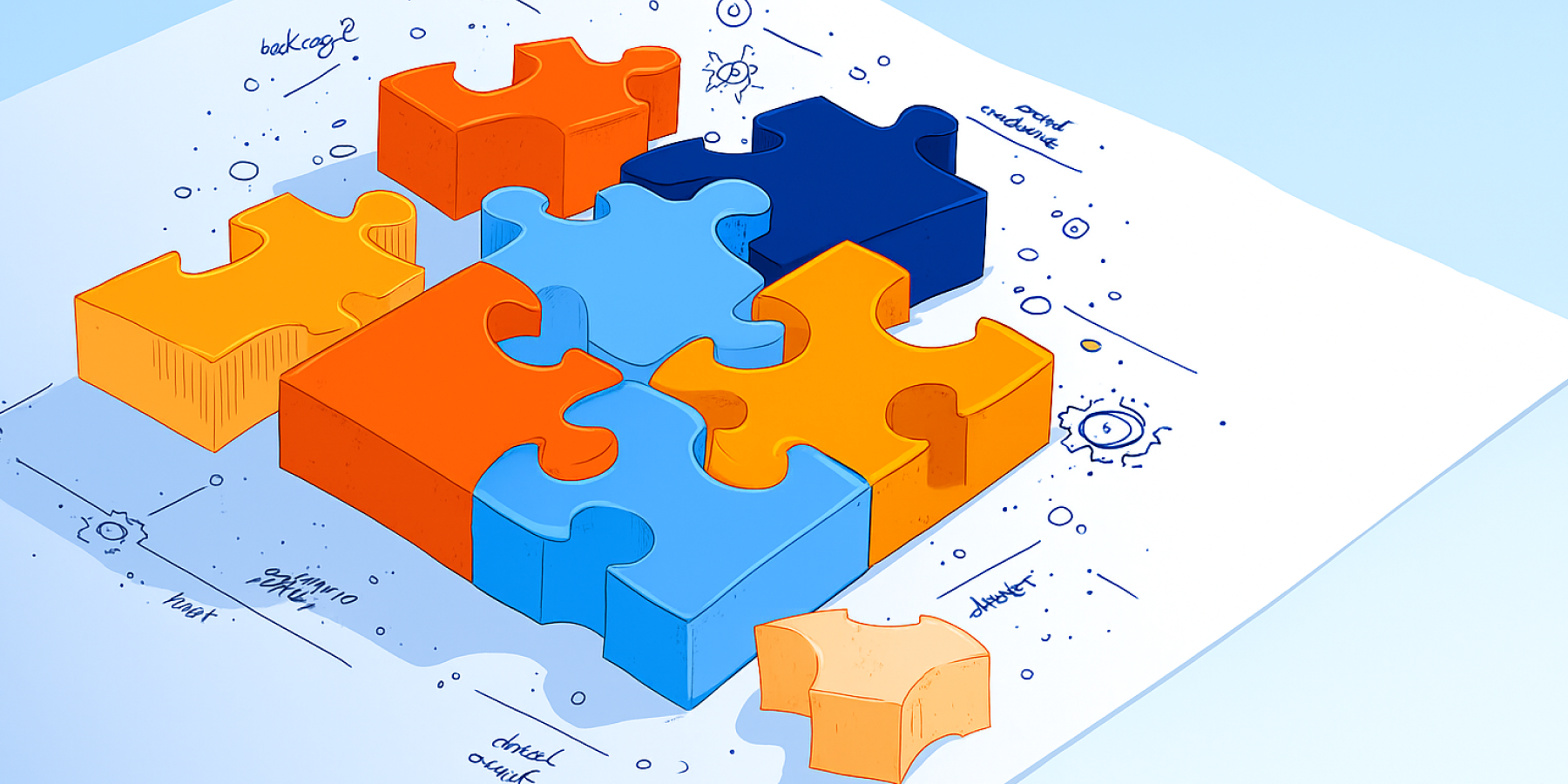
Integration of IT systems is a task that at first glance looks like a technical routine. It seems to many that it is enough just to transfer data from one system to another. In fact, this is one of the most difficult and underestimated tasks in modern IT. The integration is not just about data exchange, but about the architecture of the entire company.

Why does a business need to integrate IT systems?

Most businesses today integrate external systems into their digital solutions — web platforms and mobile applications. A typical example is the integration of a website with third-party services such as CRM for customer management, ERP for resource accounting, and payment systems for transaction processing. Each service solves its own narrow task, but they only work truly effectively when combined into a single digital ecosystem.

When the systems are not interconnected, problems arise.:

  • duplication of data;
  • manual input of information;
  • processing delays; 
  • errors and loss of control over processes.

Integration removes these barriers and transforms disparate tools into a cohesive mechanism.

Here we will look at how companies automate business processes and multiply their efficiency through system integration services.

Types of system integration

1. Integration with existing (outdated) automation systems

Many companies already have programs and databases that do an excellent job, but do not support modern data exchange formats. It is difficult and expensive to replace such systems, so it is easier to "teach" them how to interact with new platforms.

The integration of IT systems allows you to save accumulated data and built-up processes, while adding relevant tools — analytics, reporting, automation.

Example: A company connects an old accounting system to a new CRM and analytical dashboard. Customer, sales, and order data are automatically synchronized across all platforms, without manual reconciliation or duplication.

2. Integration of corporate systems

When a business uses several internal services — CRM, ERP, accounting, warehouse, analytics — they often work in isolation. The integration of corporate systems integrates these solutions into a single whole, synchronizes data automatically and makes processes transparent.

Example: orders from CRM immediately go to ERP, where invoices and documents are generated. Accounting sees the payment in real time, and analytics automatically updates the metrics. This saves employees from manual data migration and speeds up the sales cycle.

3. Integration with third-party services

If a company needs to add new features (online payment, analytics, delivery, mailing lists), it is easier to use ready-made services through API integration than to develop them from scratch. Data is transferred automatically, and the business saves time and resources on development.

Example: An online store connects a payment gateway, a delivery service, and an analytics tool. The customer places the order, the payment is processed automatically, and information about delivery and revenue is immediately displayed in the reports.

4. Integration between companies (B2B integration)

If a business works with distributors, suppliers, or partners, the integration of the two systems helps automate data exchange between organizations. Instead of emails and manual tables, orders, invoices, and reports are transferred directly between the systems.

Example: a distributor receives requests from retail outlets directly to his ERP, and information about shipments and balances is automatically returned back. System integration reduces errors and simplifies collaboration.

5. Combined integration

In practice, companies rarely use only one type of integration. More often, businesses combine several approaches to create a single ecosystem. This format is useful if some of the systems are outdated and some are already running in the cloud.

Example: A company combines an old ERP, a modern CRM, and external analytics or logistics services. All data is synchronized, and the business gets a complete picture without completely rebuilding the infrastructure.
Системная интеграция | LighTech
Integration can cover different levels and tasks, from data exchange between departments to creating a common digital ecosystem of the company. Let's look at the main areas where it really strengthens the business.

System integration options

Different types of system integration solve architectural problems at the company-wide level. Below we have listed the most in-demand business areas.


Direction

What unites them and why

Integration of CRM systems

Combines sales, marketing and customer service into a single environment. CRM communicates with the website, ERP, telephony and analytics — customer and order data is updated automatically.

Integration of ERP systems

Synchronizes processes between finance, procurement, warehouses and production. A popular combination is ERP + CRM: orders and invoices are generated automatically, and the statuses are immediately visible to sales and accounting departments.

Integration of enterprise information systems

It combines the company's internal modules — CRM, ERP, accounting, BI, document management — into a single digital infrastructure. Ensures data integrity and accelerates management decisions.

Integration of electronic document management systems (EDI)

Automates the exchange of documents between departments and partners: invoices, acts, invoices and contracts are transferred between CRM and ERP without manual input. It is especially in demand in companies with large document flow.

Integration of BI systems (Business Intelligence)

Combines data from different sources and visualizes key business indicators. The BI platform becomes an analytical center, which receives information from CRM, ERP and other systems for operational analysis.


Businesses are integrating monitoring services like LightPulse to collect data on the availability of websites and cloud solutions. The results are sent to the analytical panels, and the team immediately sees the status of their platforms and can quickly respond to problems.

For all tools to "speak the same language," not only the architecture is important, but also the way they interact.

How can IT systems interact?

There are many ways to "make friends" with different IT solutions. The integration process is selected depending on the tasks, workload, and architecture of the project.
 

The method of interaction

How it works

Where it is applied

API integration (REST, GraphQL)

Data exchange through open interfaces between systems

CRM, ERP, websites, mobile and SaaS platforms

Webhooks and Events

The systems notify each other of actions in real time

Payment and marketing services, CRM

Database integration

Synchronization of tables and data warehouses

ERP, warehouse and accounting solutions

File sharing (CSV, XML, FTP)

Regular data upload and download between systems

When integrating with older systems

ESB/Data bus (Kafka, RabbitMQ)

A single "transport highway" for dozens of services

Integration of corporate systems, highload platforms

Middleware services

An intermediate layer that converts data and routes requests

When to combine old and new solutions

iPaaS platforms (Zapier, Make, n8n)

Cloud-based visual integration tools

Quick launch of integrations without code

Theory is good, but it's more interesting to see how everything works in practice. Below we have given examples of integrations from our projects and the benefits they have brought to the business.

System integration in practice

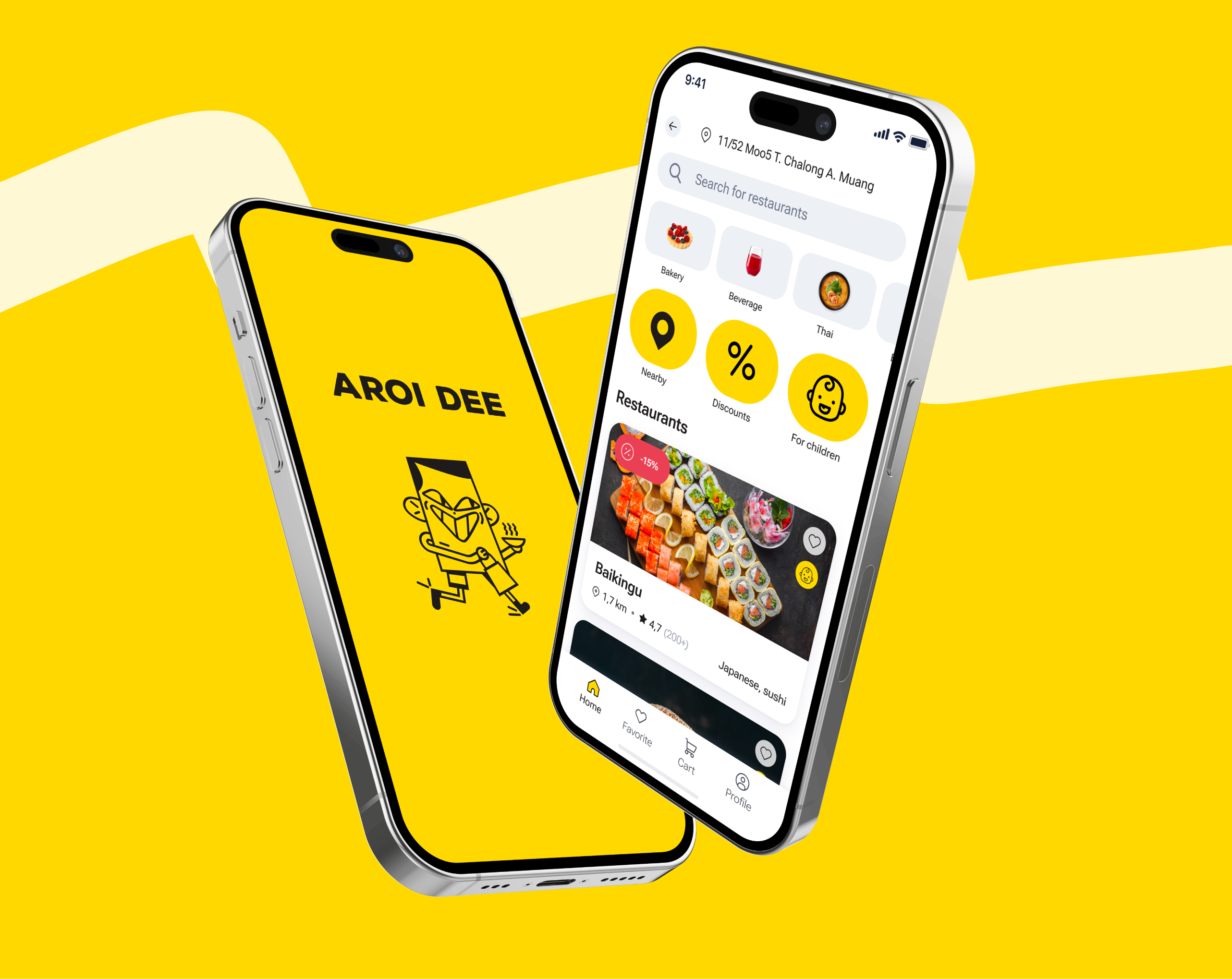
For the Aroi Dee food delivery service in Phuket, our LighTech team has assembled a single system of five applications: for customers, couriers, restaurants and two web solutions (for administrators and partners).

All parts are connected via a common Python/Django backend and REST API, so data is transferred instantly. The order from the client's app immediately appears at the restaurant, then at the courier and in the admin panel. Payments and statuses are updated automatically, without manual actions.

Integration with external services has added the necessary features:

  • Omise — online payments;
  • Google Maps — routes and delivery tracking;
  • OneSignal notifications;
  • Firebase — analytics and testing;
  • Vonage is a built—in chat.

The Aroi Dee ecosystem works as a single unit: the customer sees the courier's movement, the restaurant receives up—to-date orders, and administrators receive real-time reports and analytics.
Aroi Dee
Aroi Dee
webmobile

Создали экосистему для доставки еды и обеспечили рост популярности сервиса Aroi Dee на Пхукете

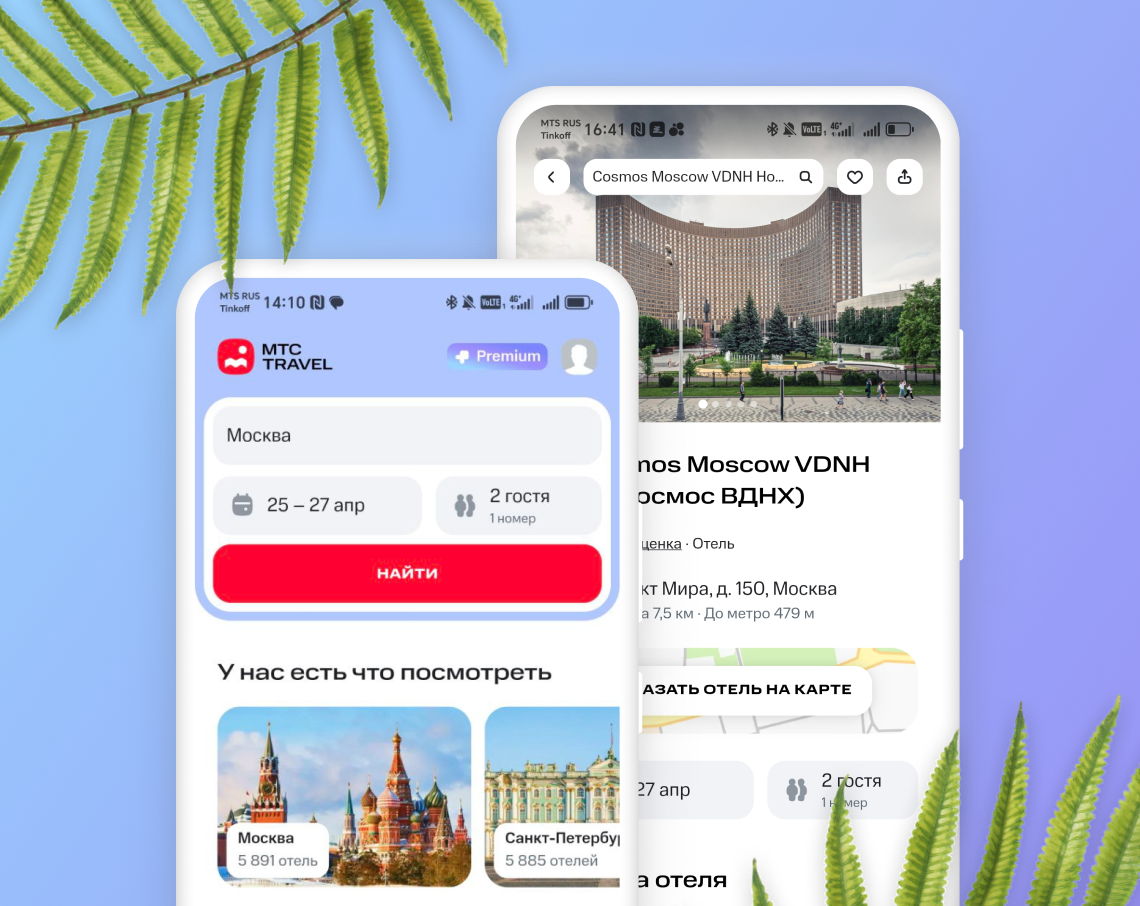
In the MTS Travel application, we have linked the company's key services into one system. Through MTS ID, users log in quickly, without entering a password, and with MTS Cashback they receive a refund for reservations. WebView is configured so that data from the site is automatically transferred to the application and back, without unnecessary actions from the outside.
МТС Travel
МТС Travel
webmobile

Создание MVP туристического приложения МТС Travel

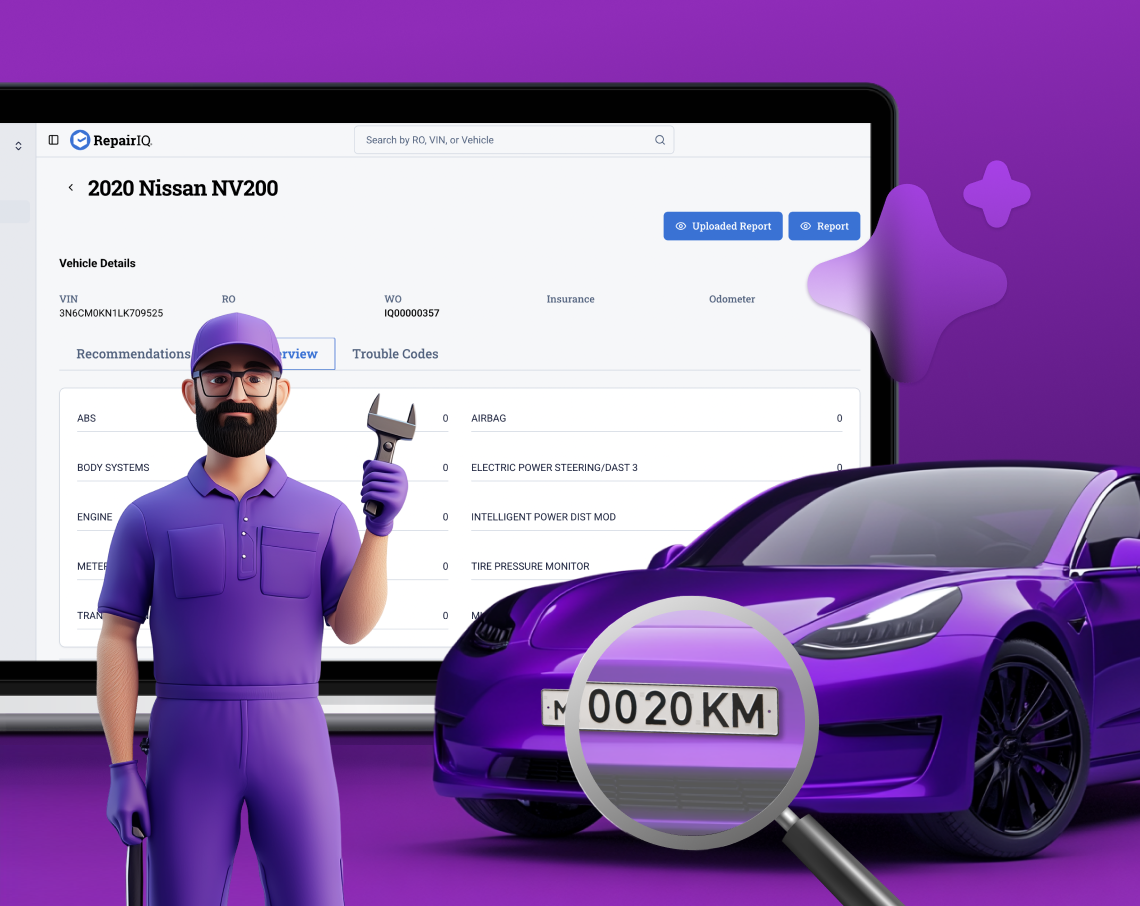
At Astech, we combined internal modules and external services — VIN decoder, AI analysis, LPR cameras, police bases, insurance companies and partner service stations. All data is synchronized in real time between web portals, mobile applications and the admin panel, providing automatic processing of diagnostic reports and prompt notification of users.
Astech
Astech
webmobile

Интегрированная платформа для автомобильной диагностики и сервисов

And these are not all our projects that can be cited as an example. Today, it is almost impossible to imagine a digital product that works effectively in isolation — system integration ensures smooth operation of all services and maximum value for businesses and users. 

Stages of system integration

Before linking the systems, you need to understand what you already have. Make a list: which programs are used, what they do, and what data is exchanged. This is called a service card, which is essentially an inventory of your IT infrastructure.

The main rule is that systems should not depend on each other directly. If one falls or needs to be replaced, the others will continue to work. To do this, use standard data exchange methods — API, common formats, and intermediate layers. Then you can add a new service or change an old one in a few days, not months.

Этапы системной интеграции | LighTech

What is a good integration of IT systems?

Good integration is when a failure in one system doesn't bring down everything else. Has the unloading of orders dropped? The rest of the processes are still running. The integration must withstand errors, cope with the load and not break down from temporary failures.

Another sign is that tech support can figure out the problem without programmers. If the operator needs to search the code at night to find out why the order disappeared, then this is a bad integration. The system should be clear: where everything lies, how data is transmitted, what went wrong. This requires logs, a clear structure, and documentation.

And most importantly, developers need to understand how the business works. If programmers think only about code, and not about processes, integration will not work logically. A normal architecture starts with questions: who is responsible for what, what data the system produces, and what it receives.

Frequent questions

In which business areas does the integration of IT systems bring the greatest benefits?
What business results does the integration of IT systems bring?
How much does IT cost to integrate IT systems?
Who performs the system integration?

Share

Discuss the project with the LighTech team

Book an appointment

Examples of project implementation

Tell us about your project
Name
Contact
Message
Attach file +
Request to get files
Name
Send files
Message
Thanks!
Your request has been sent
After processing, our manager will contact you